

Assign money to a bucket
- Tap plus, then Assign available money. You can also use the assignment shortcut on Overview or Buckets.
- Choose the date and a currency with available money.
- Select Assign to bucket and enter the amount.
- Tap Save entry.
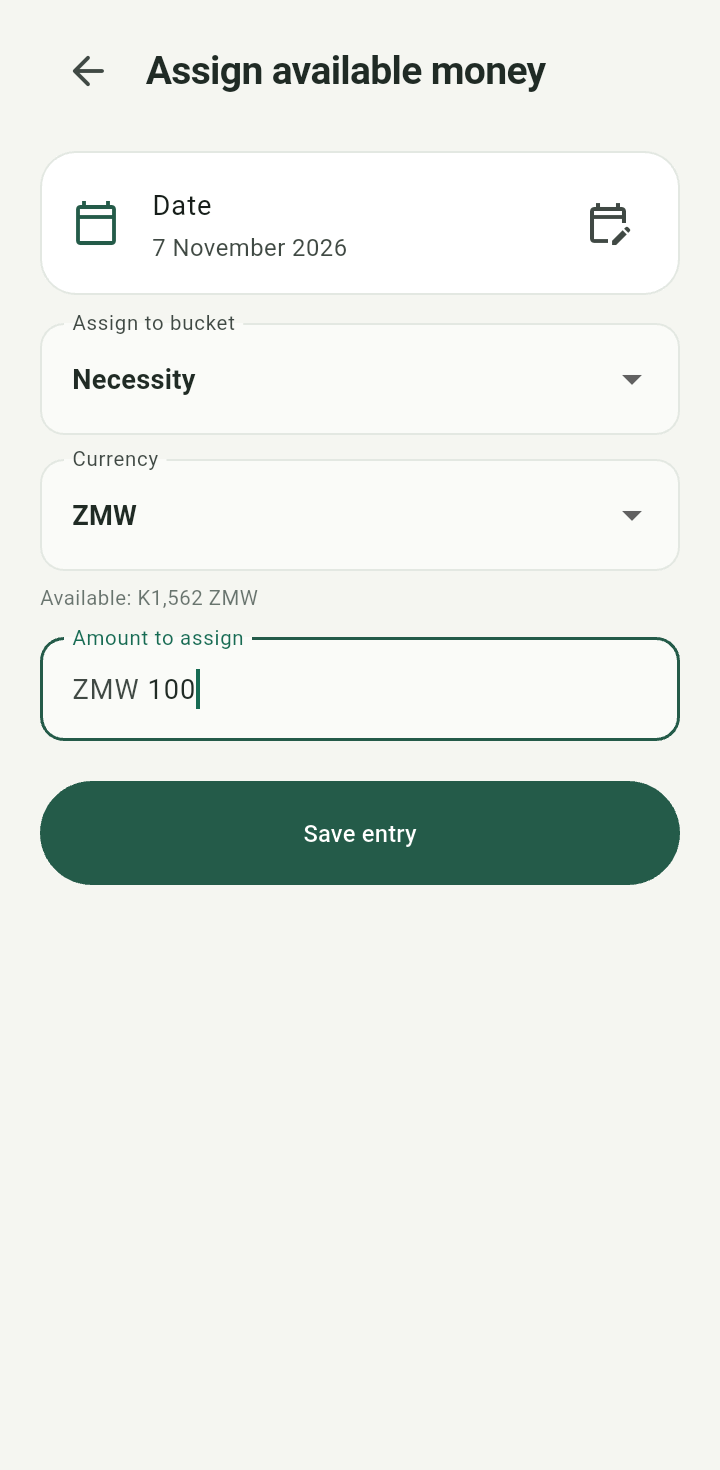
Assign available money form with currency, destination bucket, and available amount
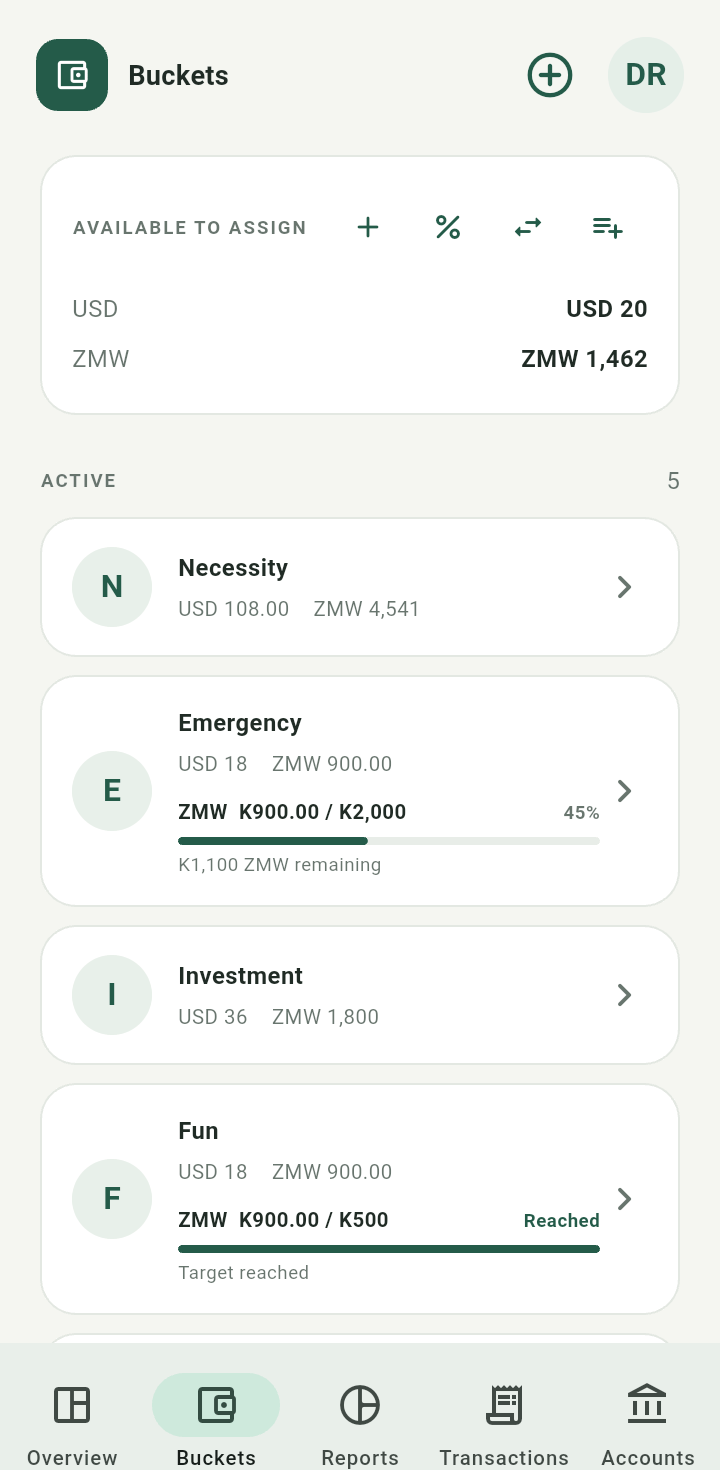
Bucket balance and reduced available money after assignment
Assignment creates a dated event. It does not rewrite the original income split or move cash between accounts. You can assign only what is available in that currency. If everything is already assigned, the app explains that there is no available money to assign. You can leave money unassigned when recording income.