

Read Overview
The top card shows Available to assign and Total in accounts. Below it are Accounts, Your buckets, the monthly report, and Recent activity. Totals are derived from saved entries.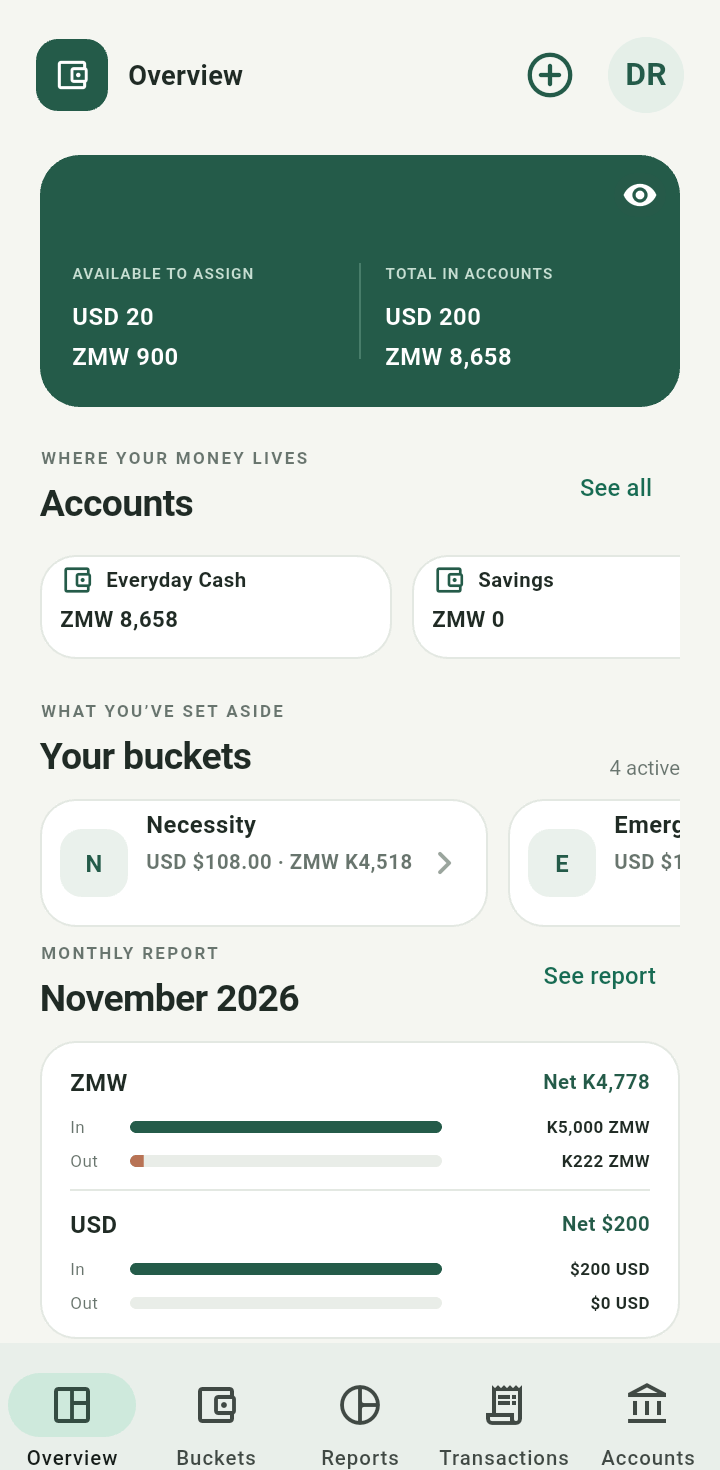
Overview showing balances in the fictional demonstration account
The monthly report is a view over dated entries; income itself is never restricted to a monthly schedule.Show or hide amounts
Tap the eye icon in the top card. Overview starts with its money totals hidden; use Show balances to reveal them and Hide balances when sharing your screen.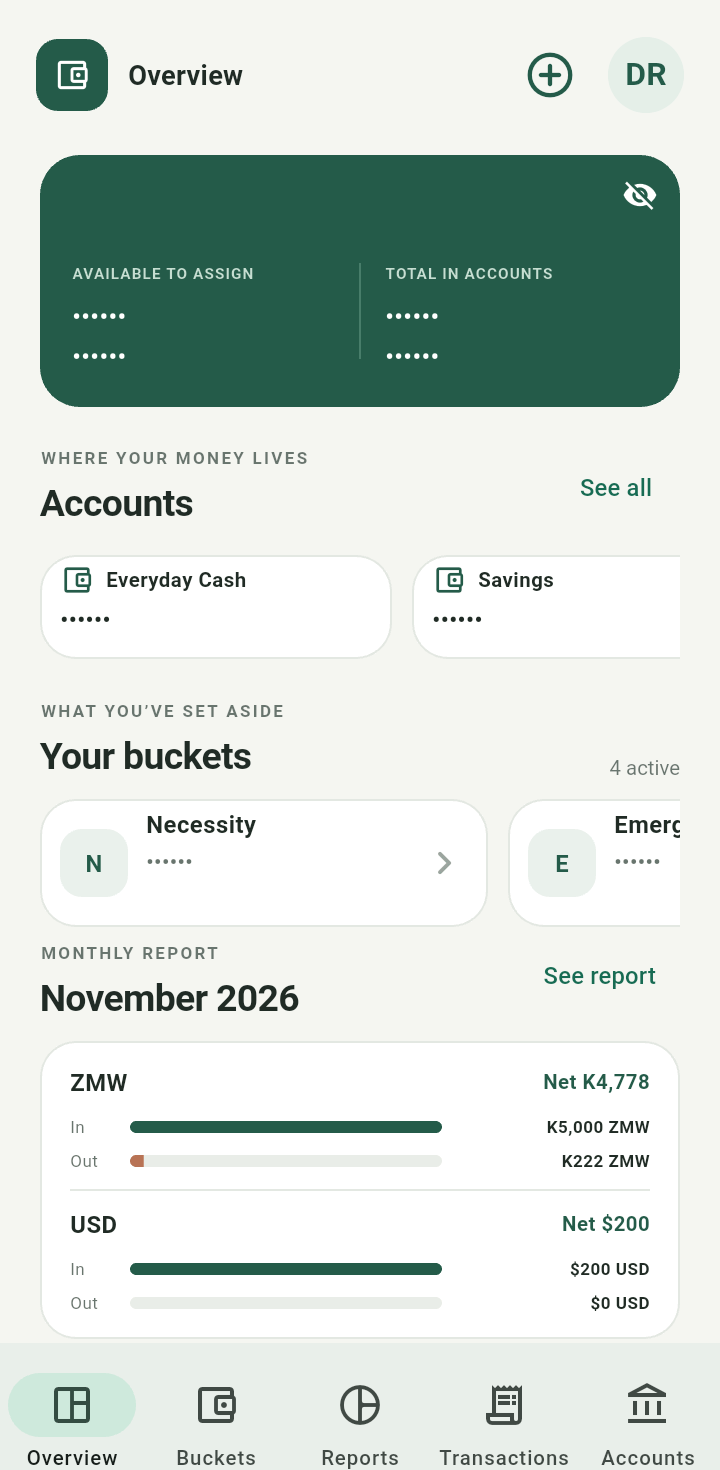
Overview with money totals hidden
Choose a task
Use the bottom tabs: Overview, Buckets, Reports, Transactions, and Accounts. Tap the plus icon beside your initials to open Add a money event. Budgets and Excel expense import are in this menu.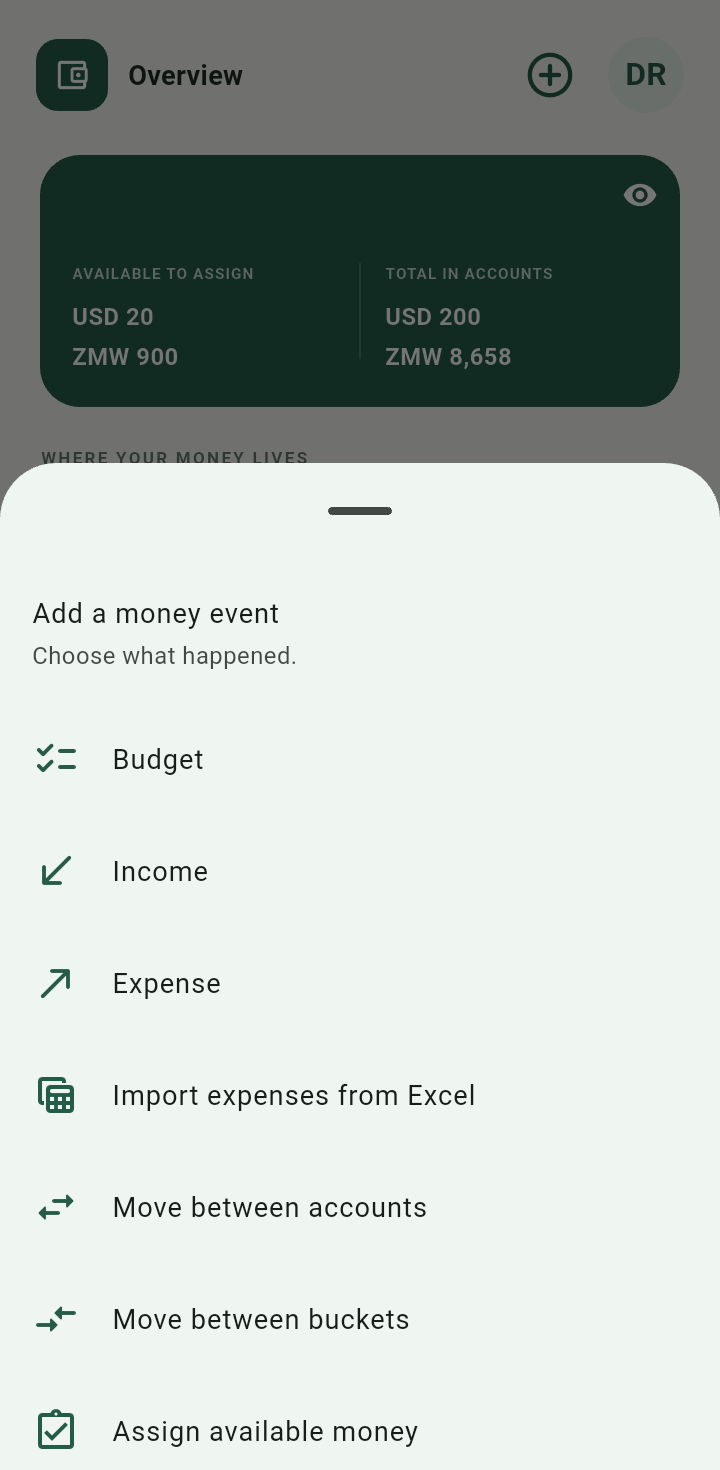
Add a money event menu with Budget, Income, Expense, import, transfer, and assignment actions
Start from an empty account
An empty Overview is normal. Record income with the plus menu, or add an account if you want to identify where it arrived.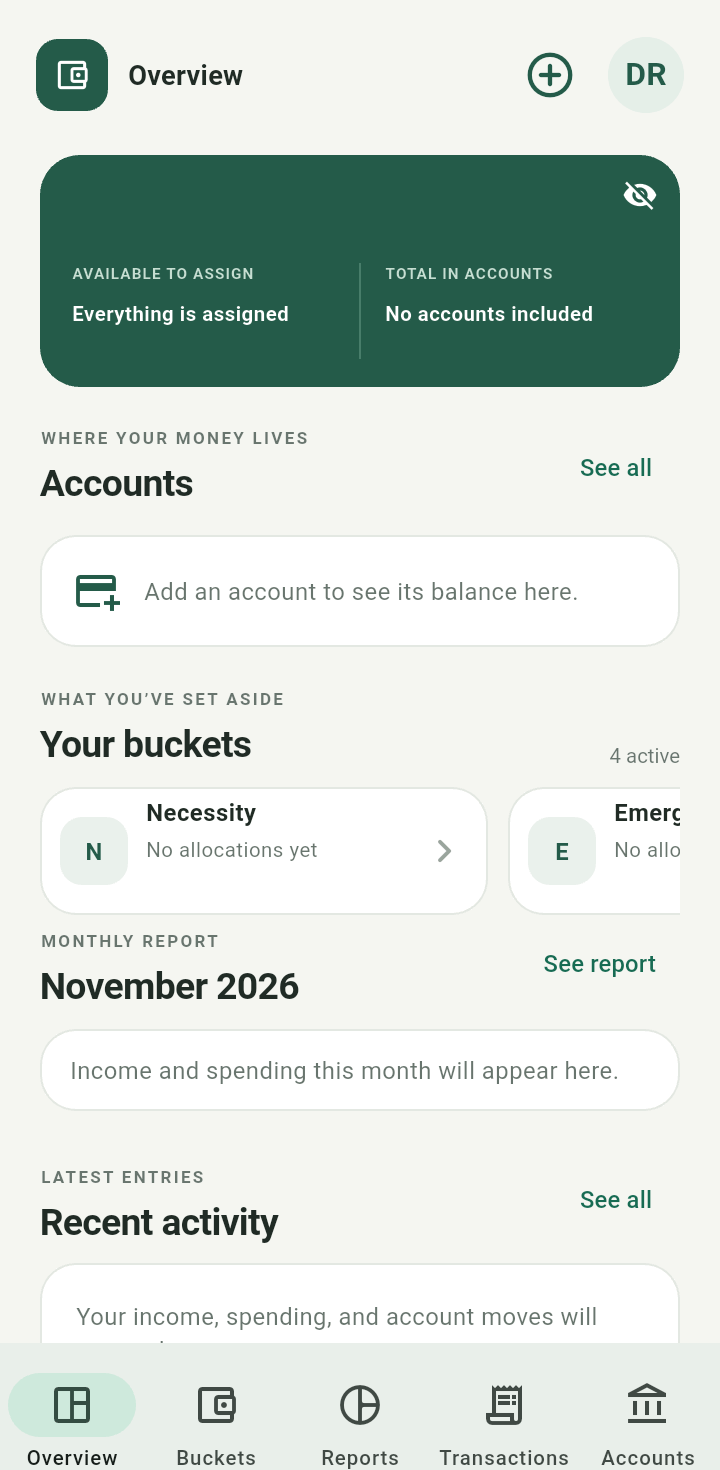
New-user Overview before any accounts or money entries