

Add an account
- Open Accounts and tap Add account.
- Give it a useful name, such as Everyday Cash, and a currency code such as ZMW or USD.
- Tap Add account. A new account starts at zero until entries or an adjustment affect it.
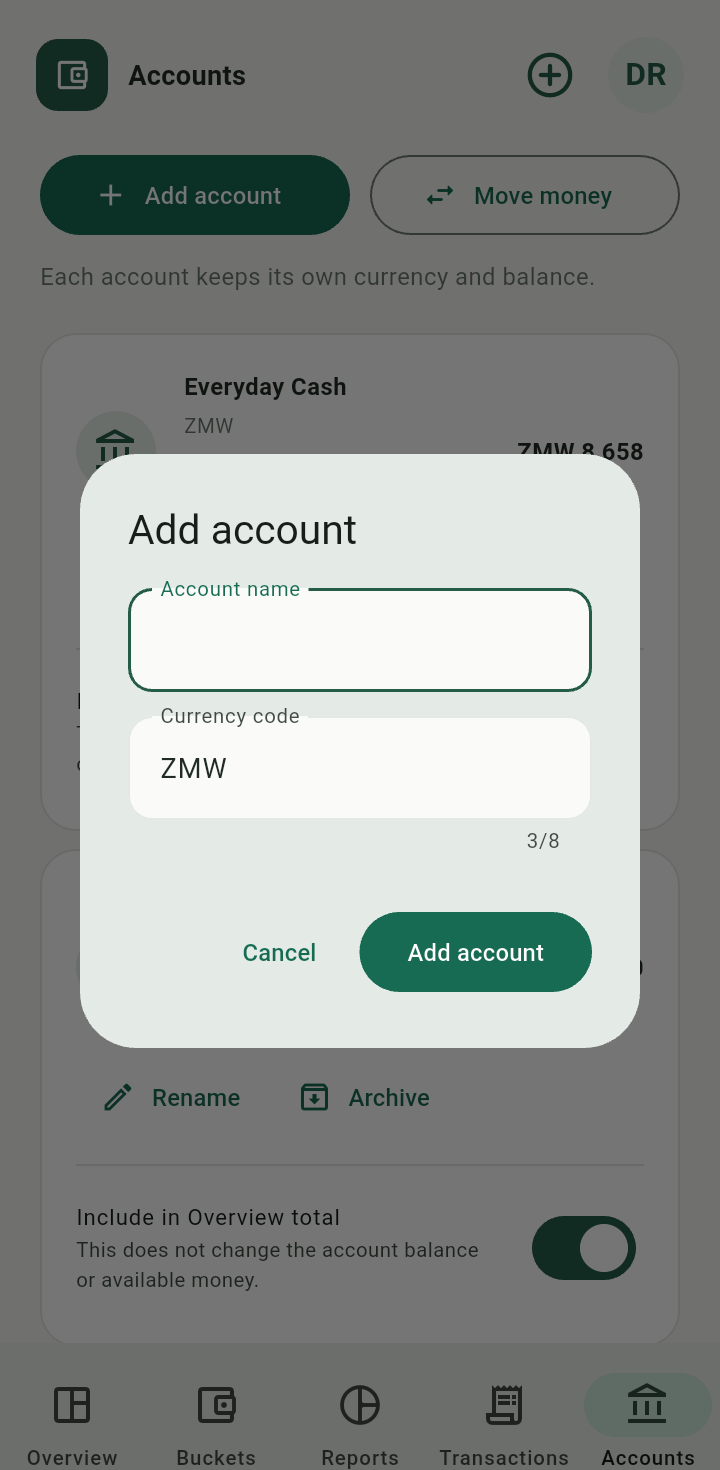
Add account dialog with account name and currency code
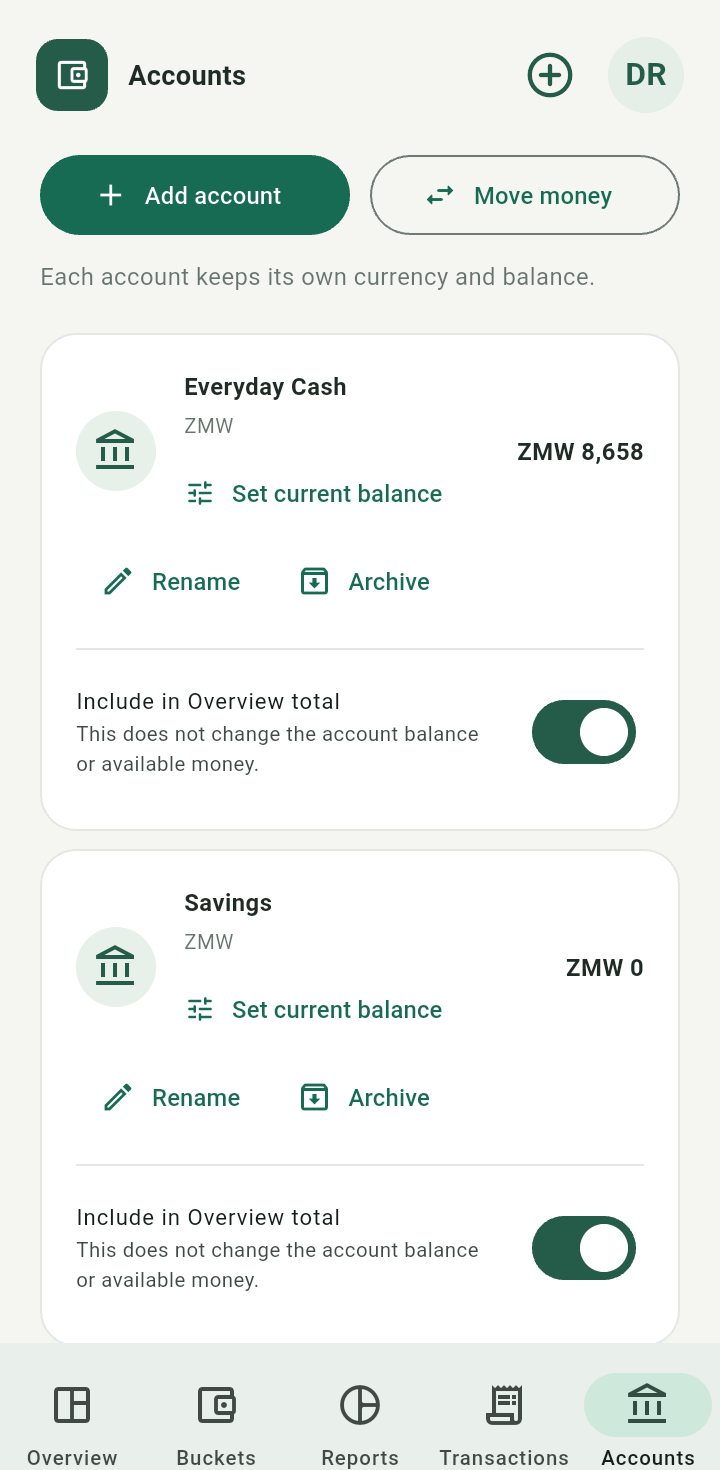
Accounts list showing fictional ZMW accounts
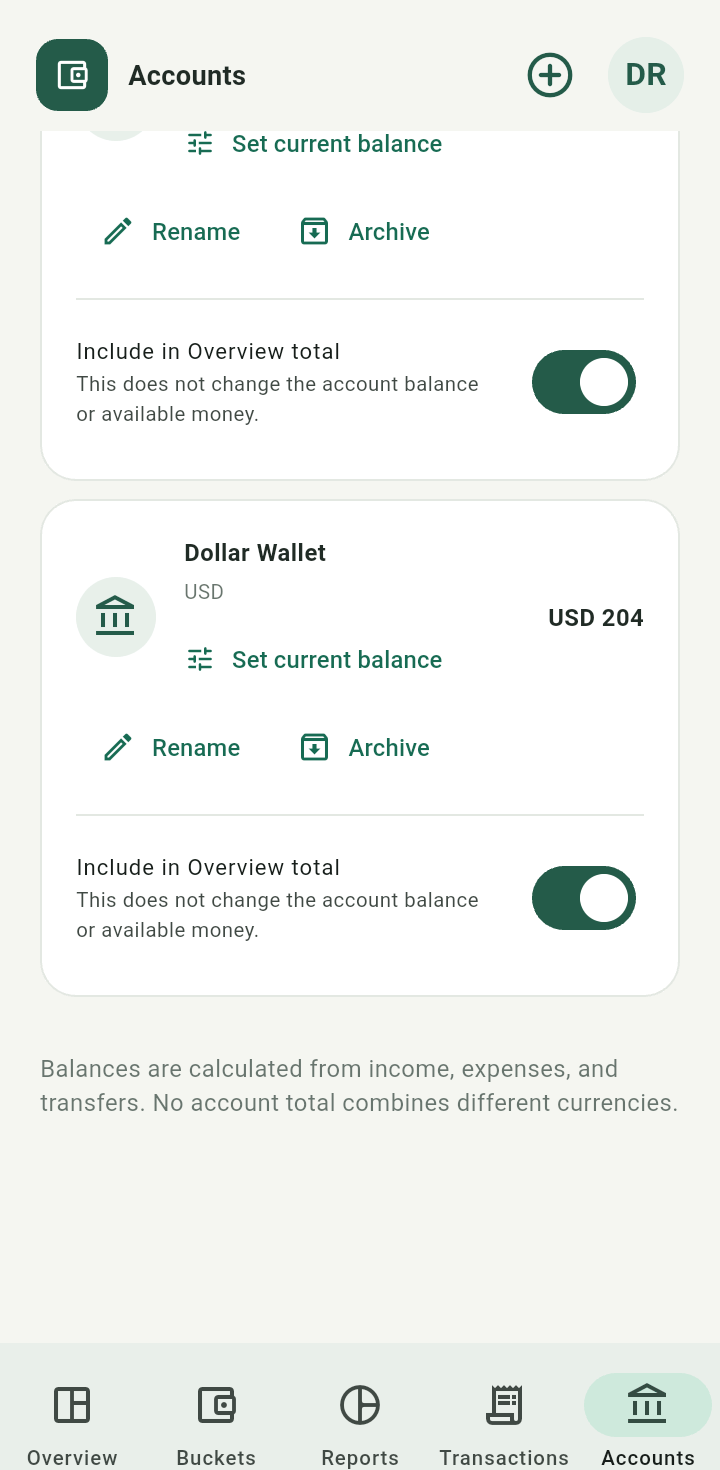
Scroll to see accounts in other currencies.
Each account keeps its own currency. Use a separate account for a different currency.Rename an account
Tap Rename on the account, enter its new name, and save. Its existing entries remain attached.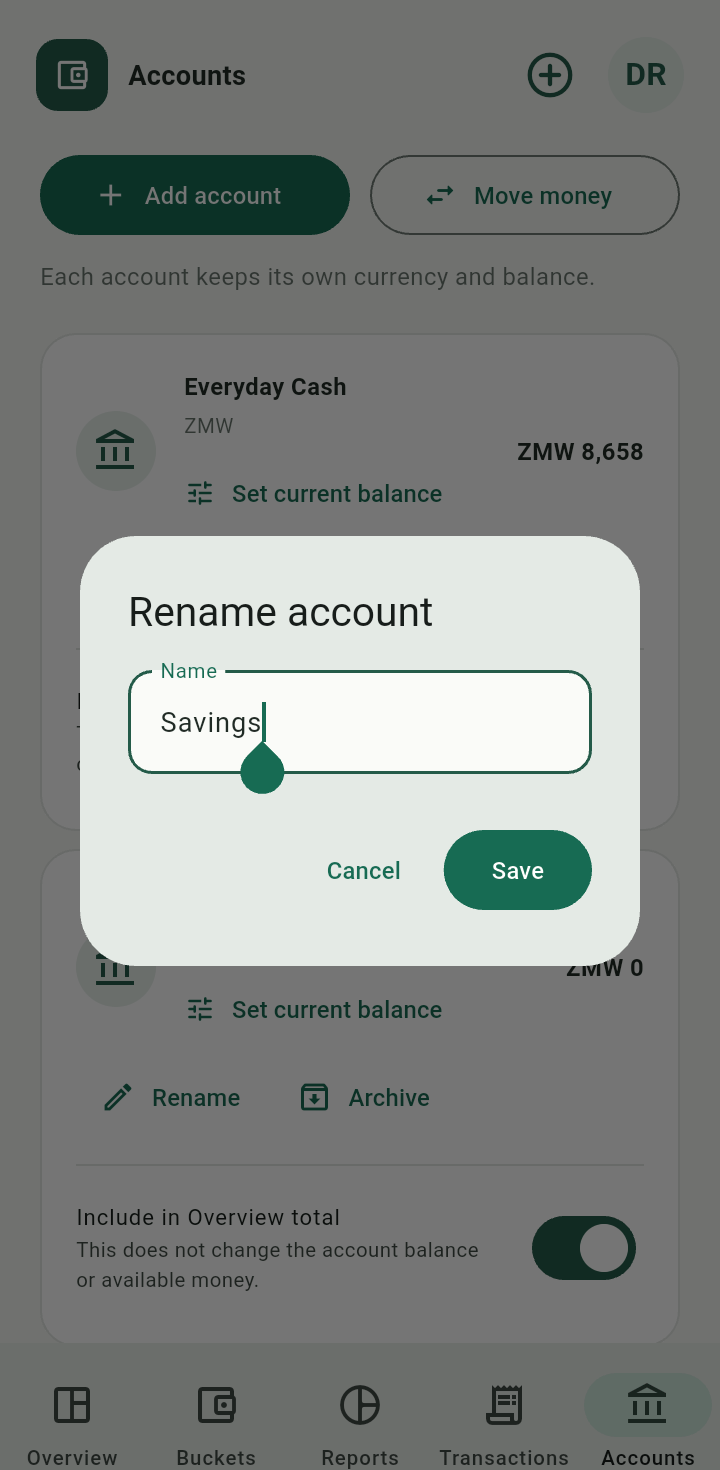
Rename account dialog
Archive and restore
Tap Archive, review the confirmation, and continue. Archived accounts move into the archived section. Use Restore when you want the account available again.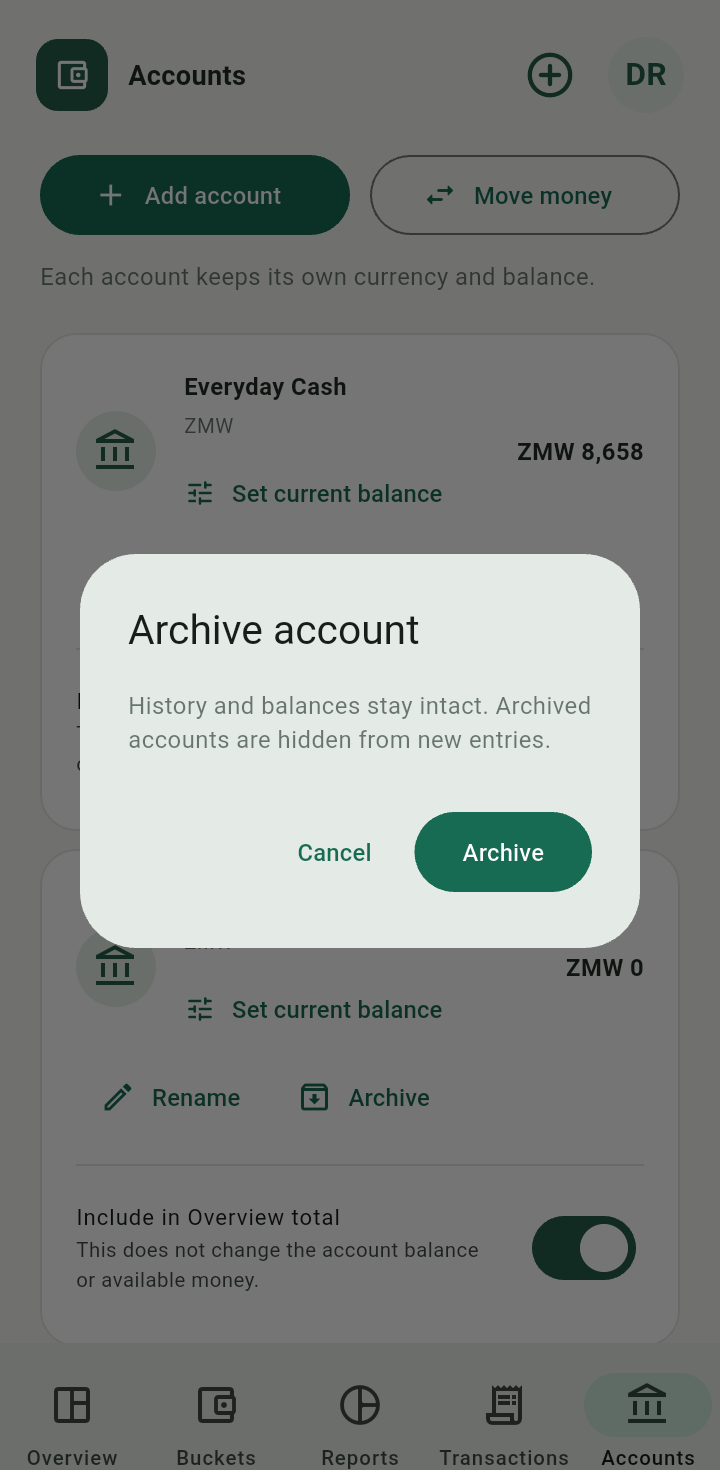
Confirmation for archiving a demonstration account
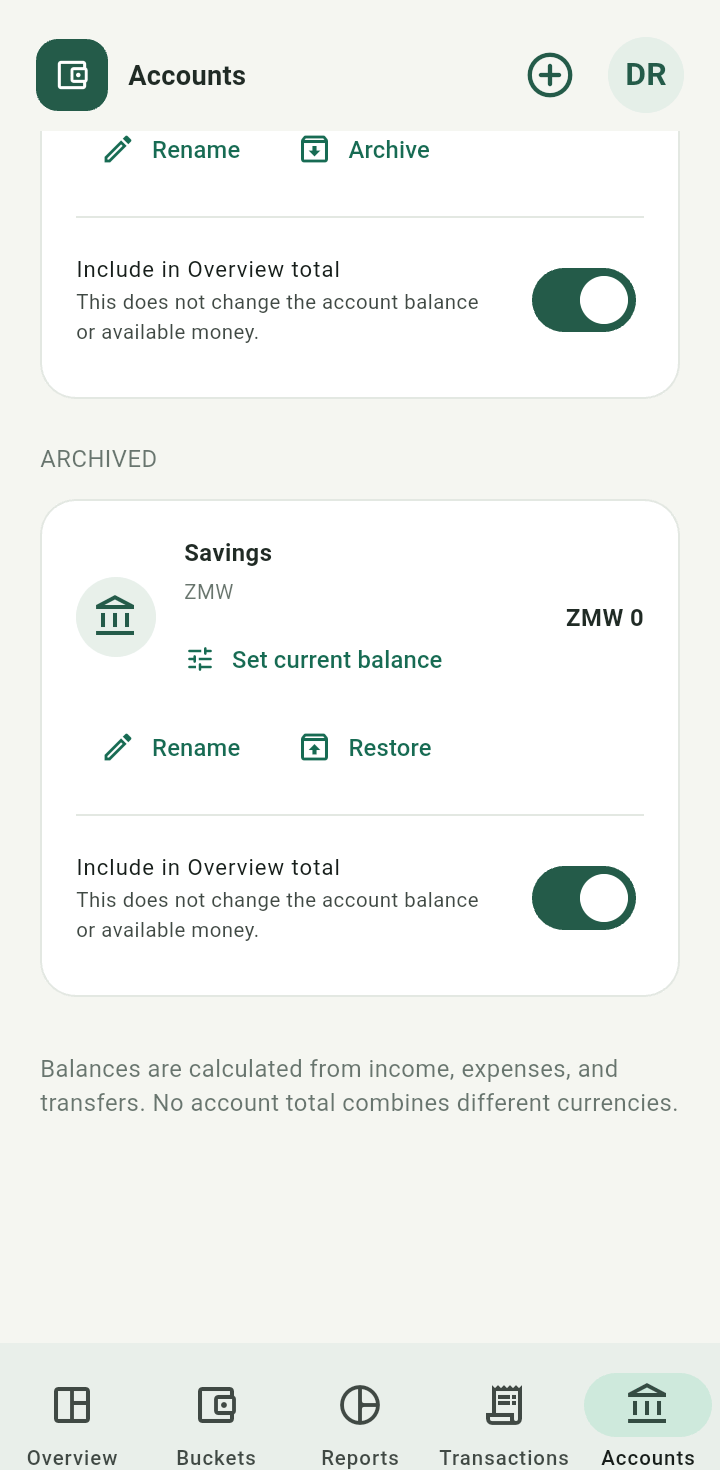
Archived account with Restore action
Archiving preserves history. It does not automatically remove the account from Overview totals; use the account inclusion switch deliberately.