

Start with what happened
Record income
Add money when it arrives and choose how much to set aside.
Record an expense
Choose where you paid from and which bucket funded it.
Plan purchases
Make a dated budget and compare planned items with purchases.
Understand your balances
Keep accounts, buckets, and native currencies clear.
A place for your money
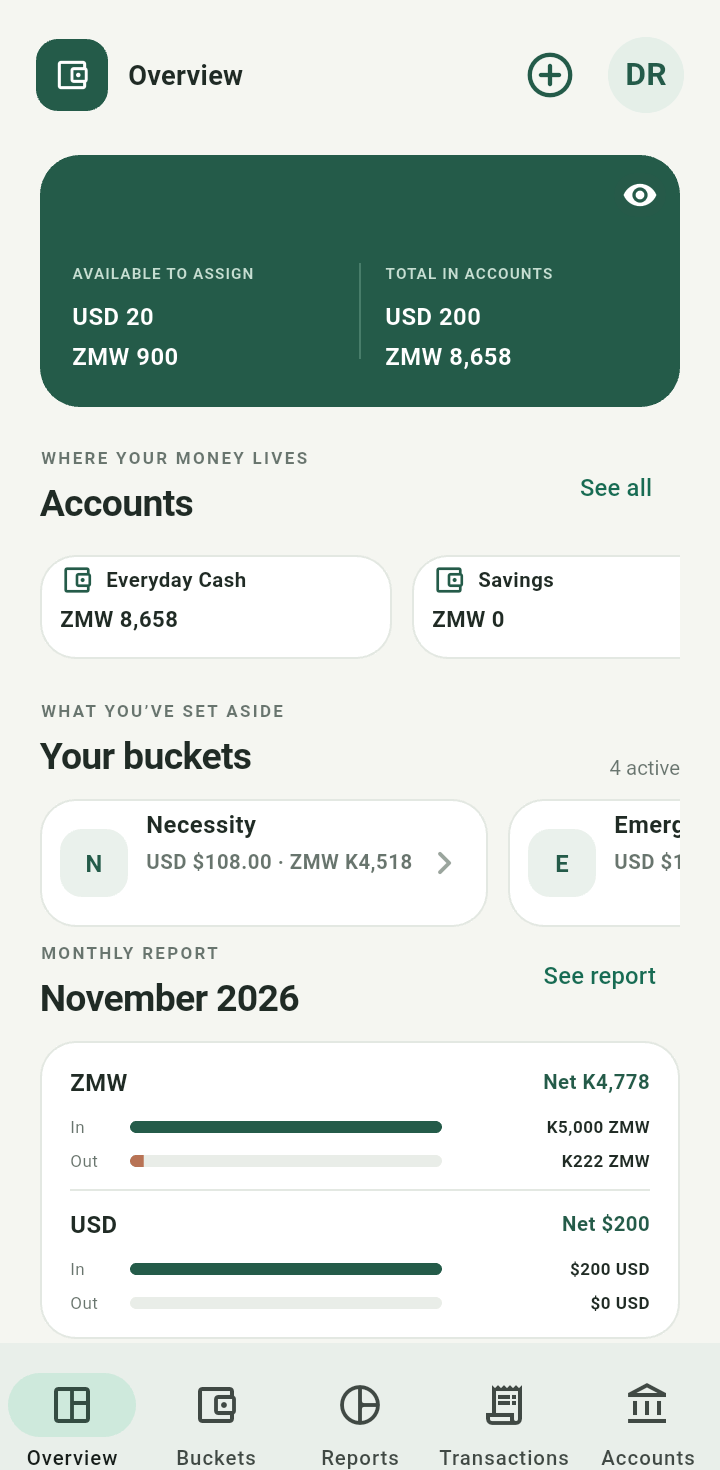
Your Overview brings accounts, buckets, monthly activity, and recent entries together.
Accounts describe where money sits. Buckets describe what it is for. Assigning money to a bucket does not transfer it between accounts. You can start recording income immediately. Accounts, bucket names, goals, and budgets can be added as you need them. The starter split is a suggestion you can change.Changing future split percentages does not rewrite earlier allocations. Displaying money in another currency does not change the original recorded amount.