

Choose a range and filters
Open Reports. Use date chips or Custom, then choose account and expense-category filters. Amounts stay grouped by their original currency.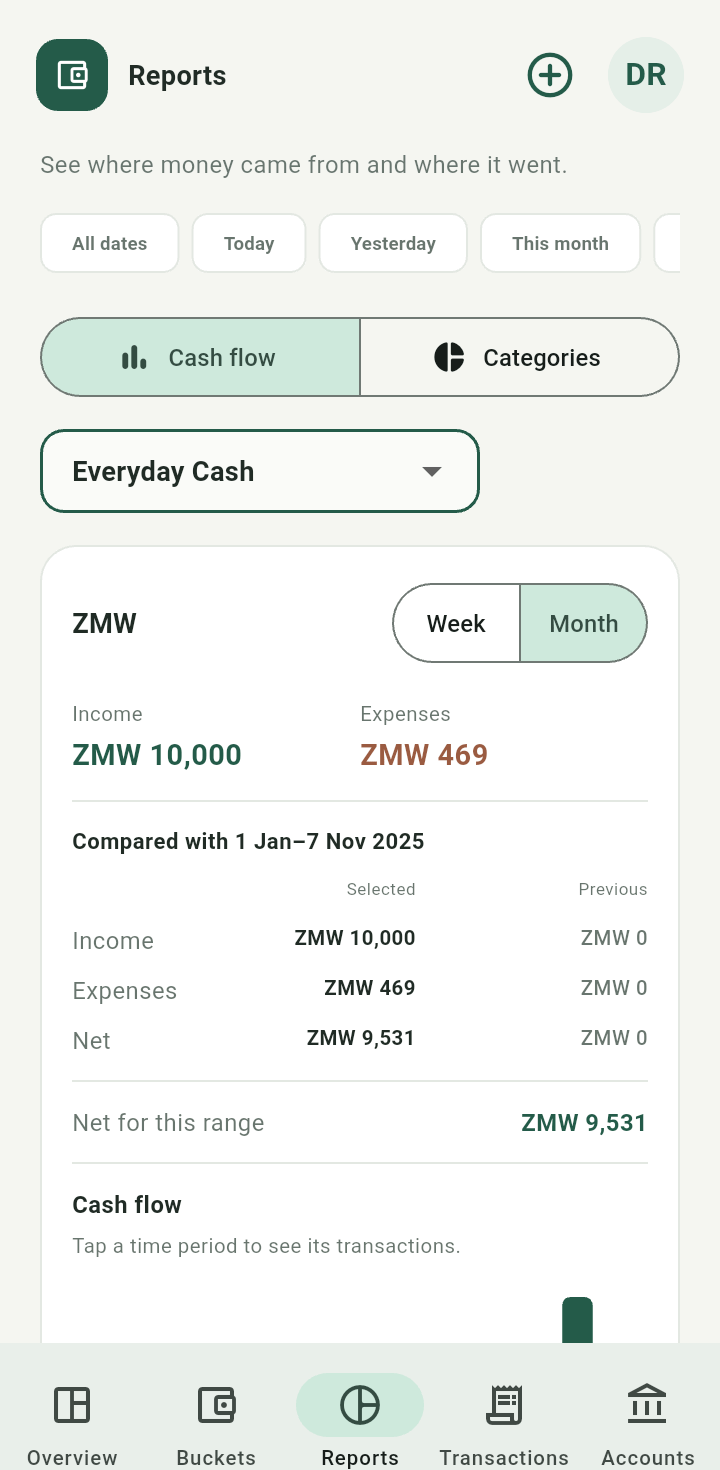
Reports screen with date range, account filters, and native-currency cash flow
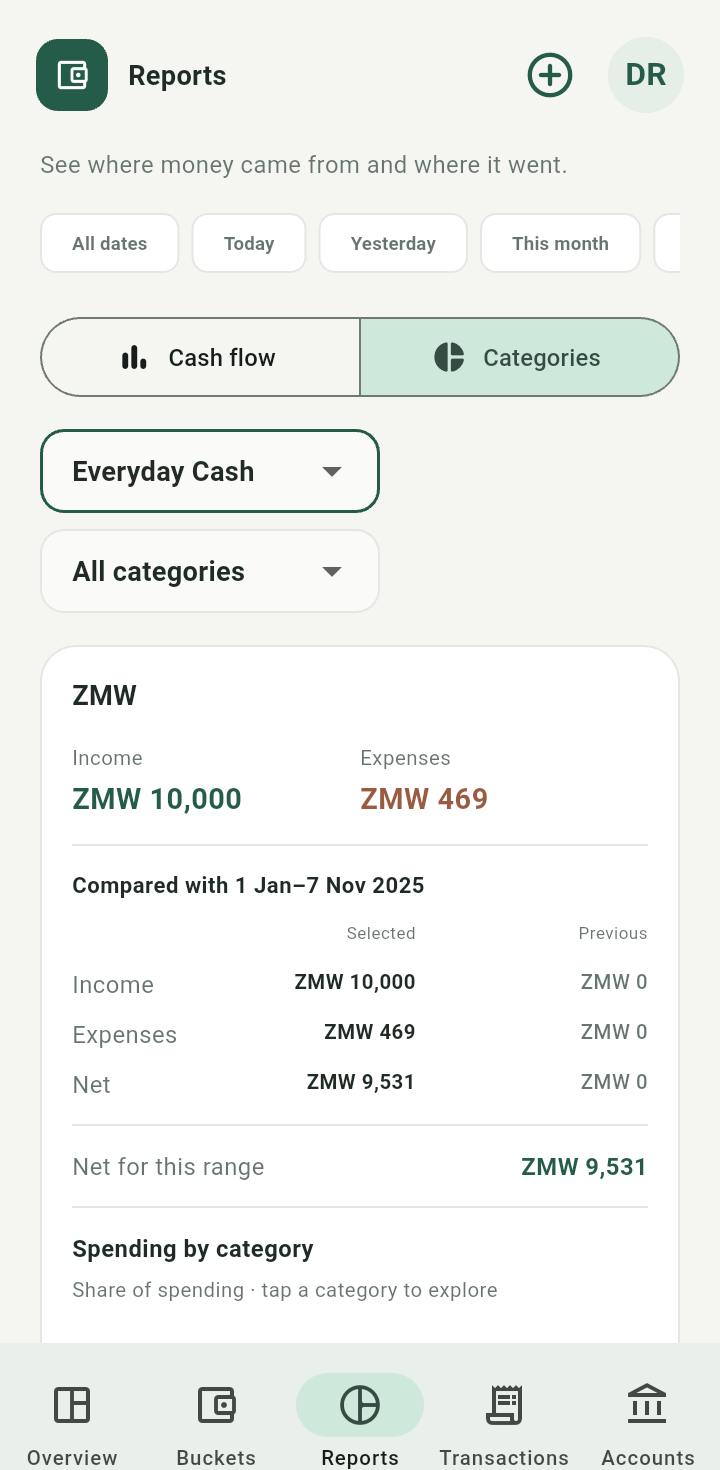
Report account and category filter controls
Read cash flow
Use Cash flow to compare income, expenses, and net movement. Week and Month change the grouping. Where shown, comparisons use the previous equivalent range; they do not create a monthly-income requirement.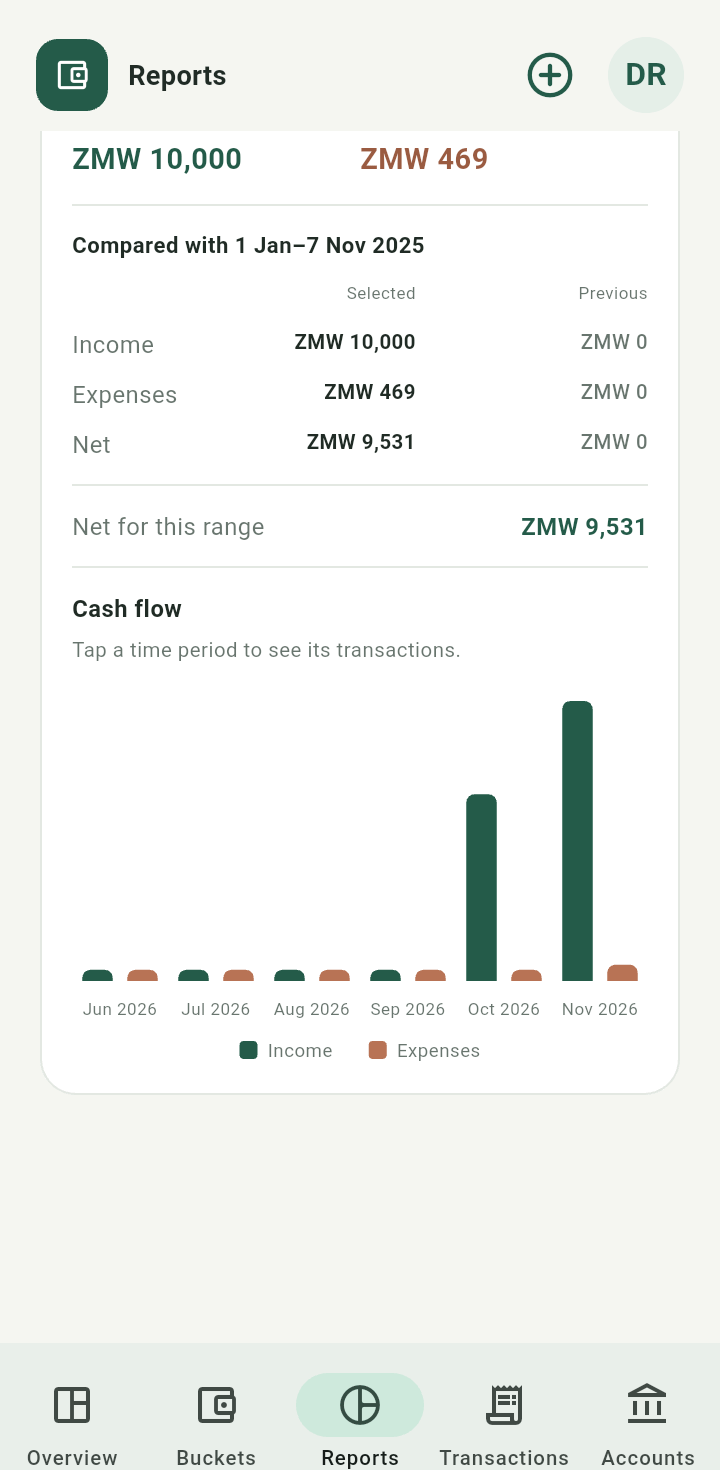
Cash-flow chart and grouping controls
Explore categories and trends
Choose Categories, then tap a spending category. Use Breakdown for item totals or Trend for changes over time. Tap a chart period or item to inspect its transactions, and Back to reports to return.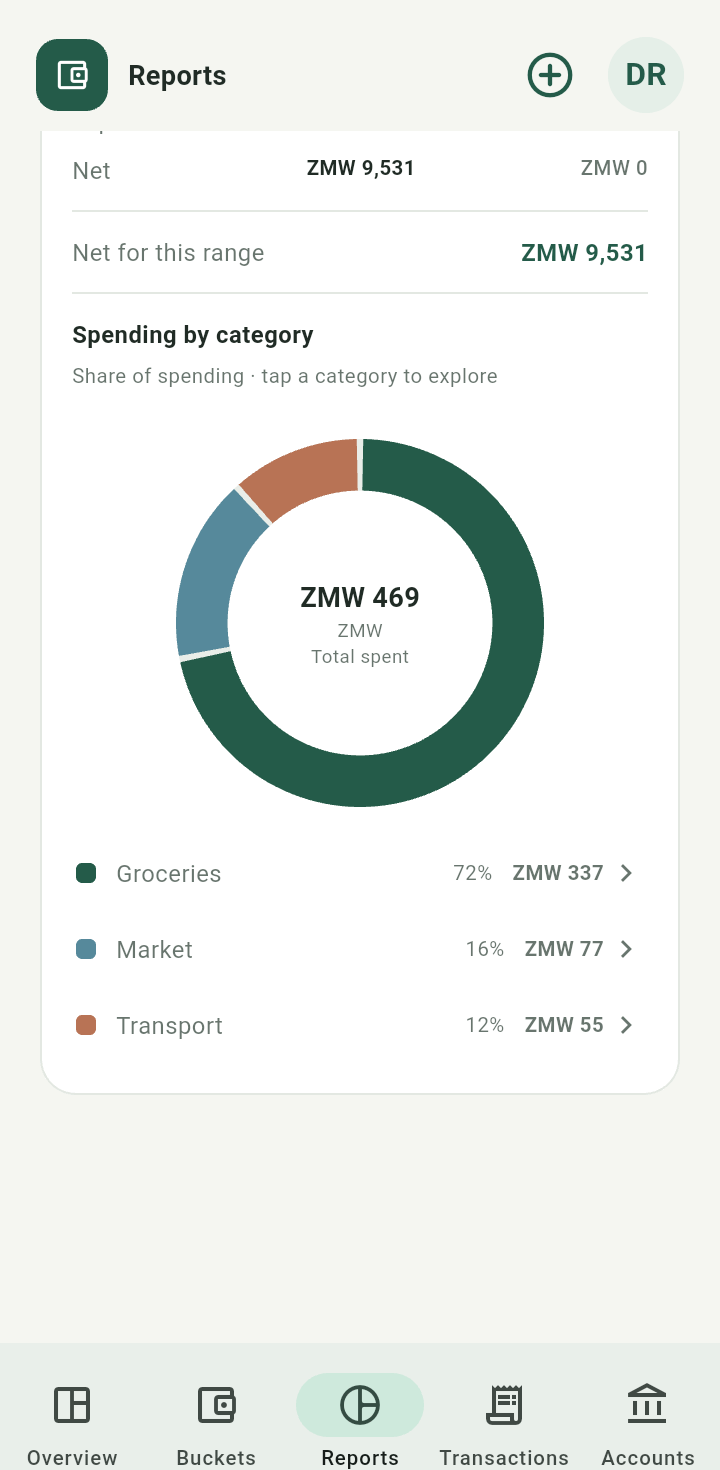
Spending category breakdown
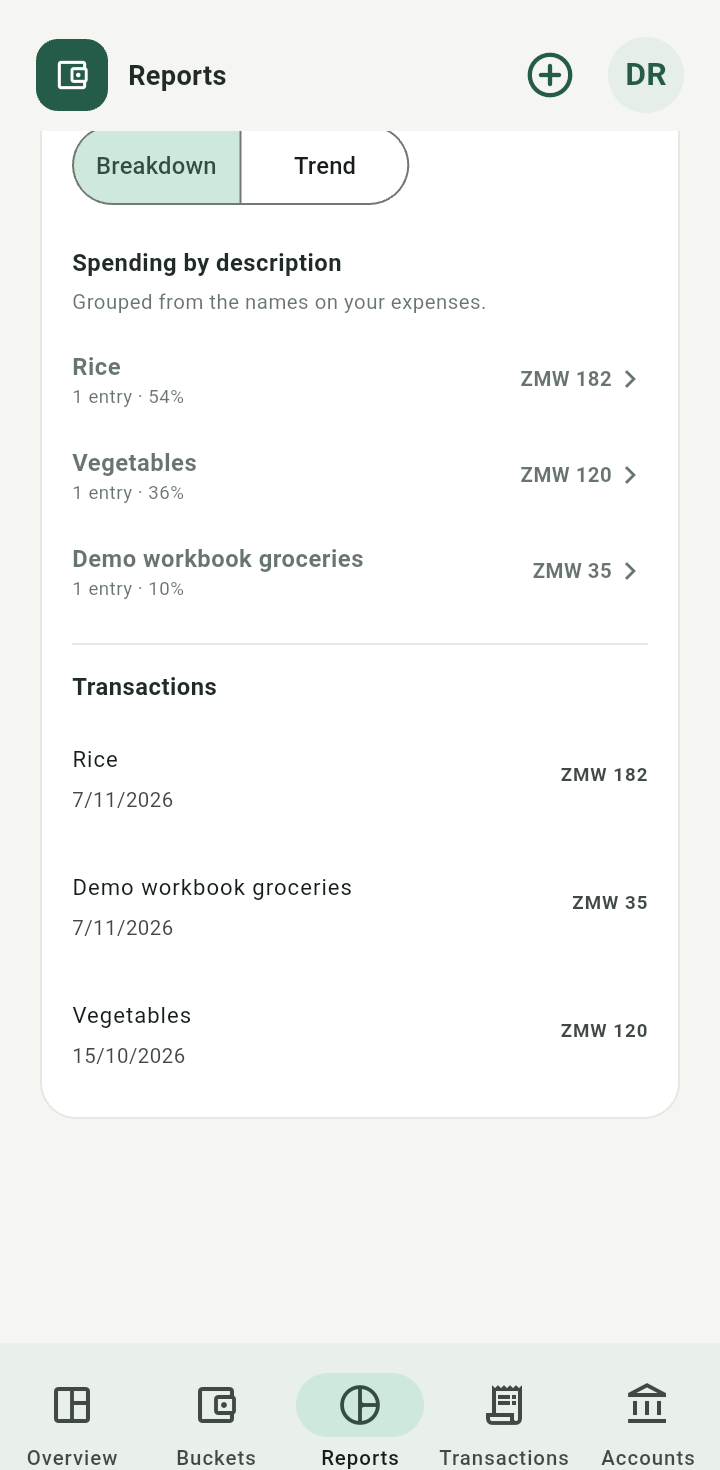
Category detail with Breakdown and Trend controls
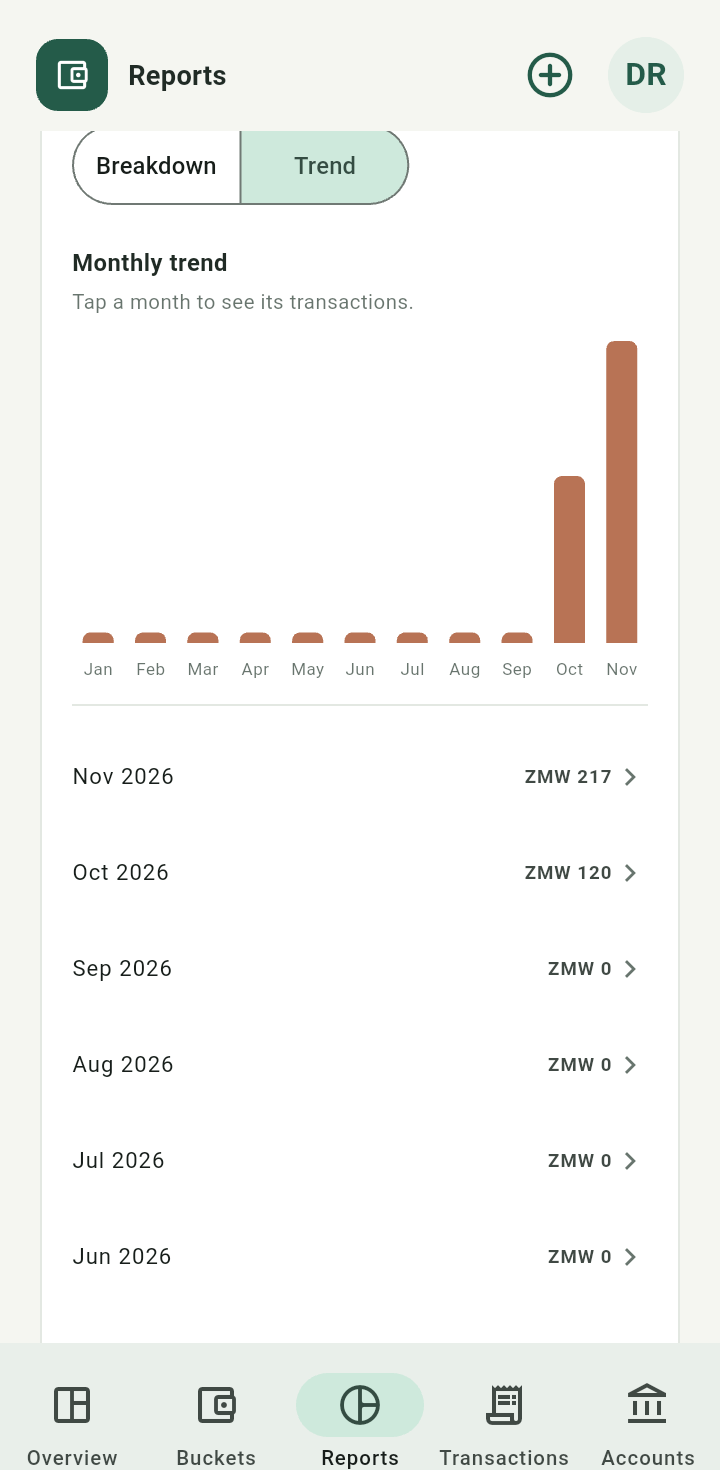
Category trend over the selected dates
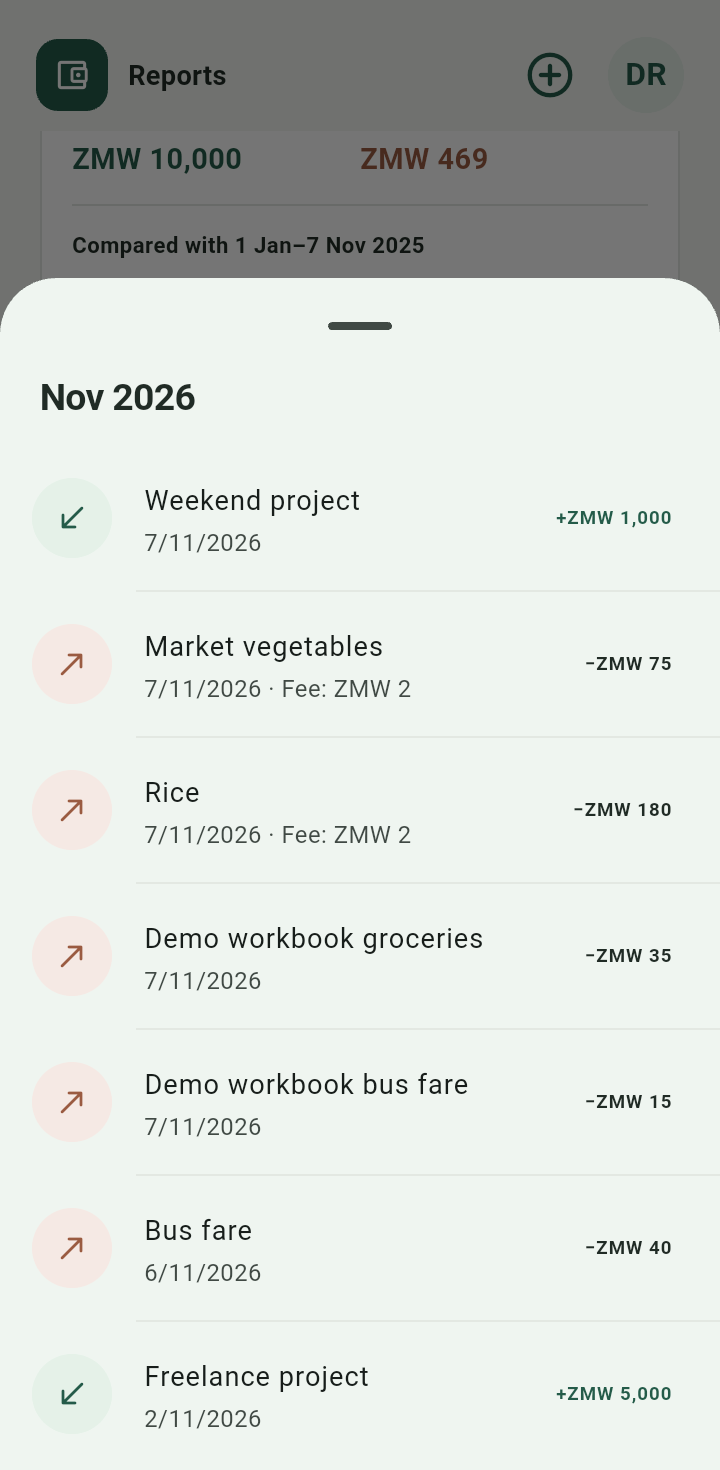
Transactions underlying a selected report item or period
Income and expenses drive these reports. Moving money between your own accounts is not new income or a purchase. No report rewrites the original currency.