

Choose which accounts count in Overview
On Accounts, toggle Include in Overview total for an account. This changes the displayed total, not the account’s entries or balance.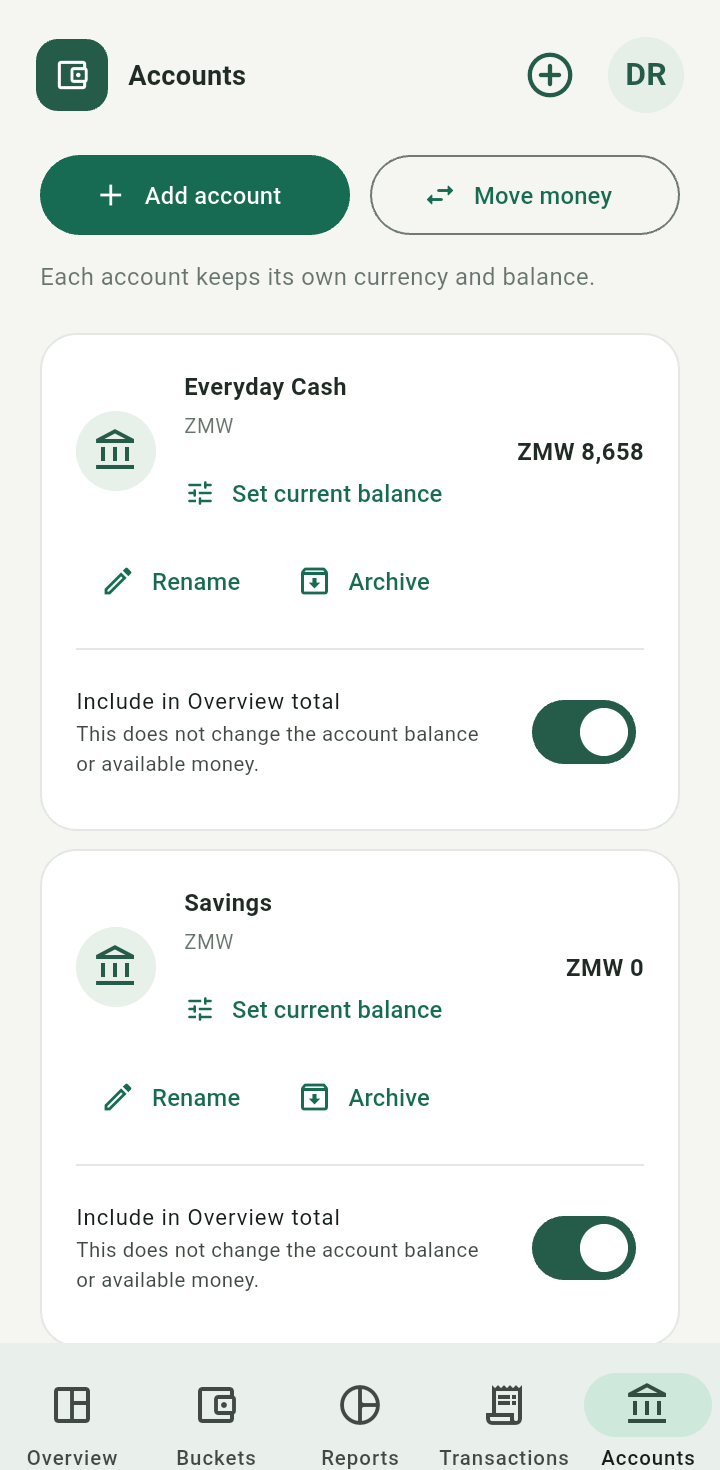
Account card showing Include in Overview total switch
ZMW and USD balances remain separate. This Android guide does not assume a currency-conversion settings screen. An amount recorded in USD remains USD.Set a current account balance
- Count the money currently in the account.
- Tap Set current balance.
- Enter Amount counted now, optionally add a note, and tap Save adjustment.
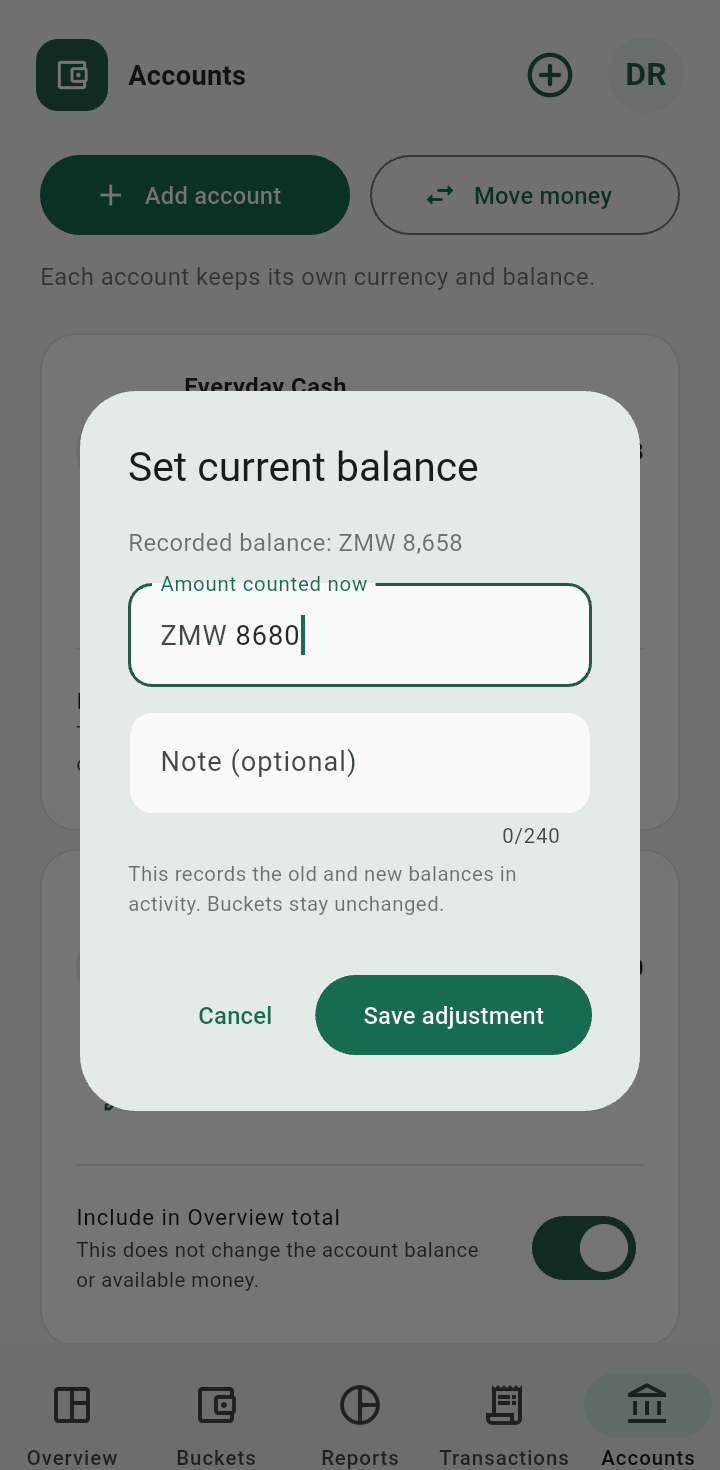
Set current balance dialog showing counted amount and optional note
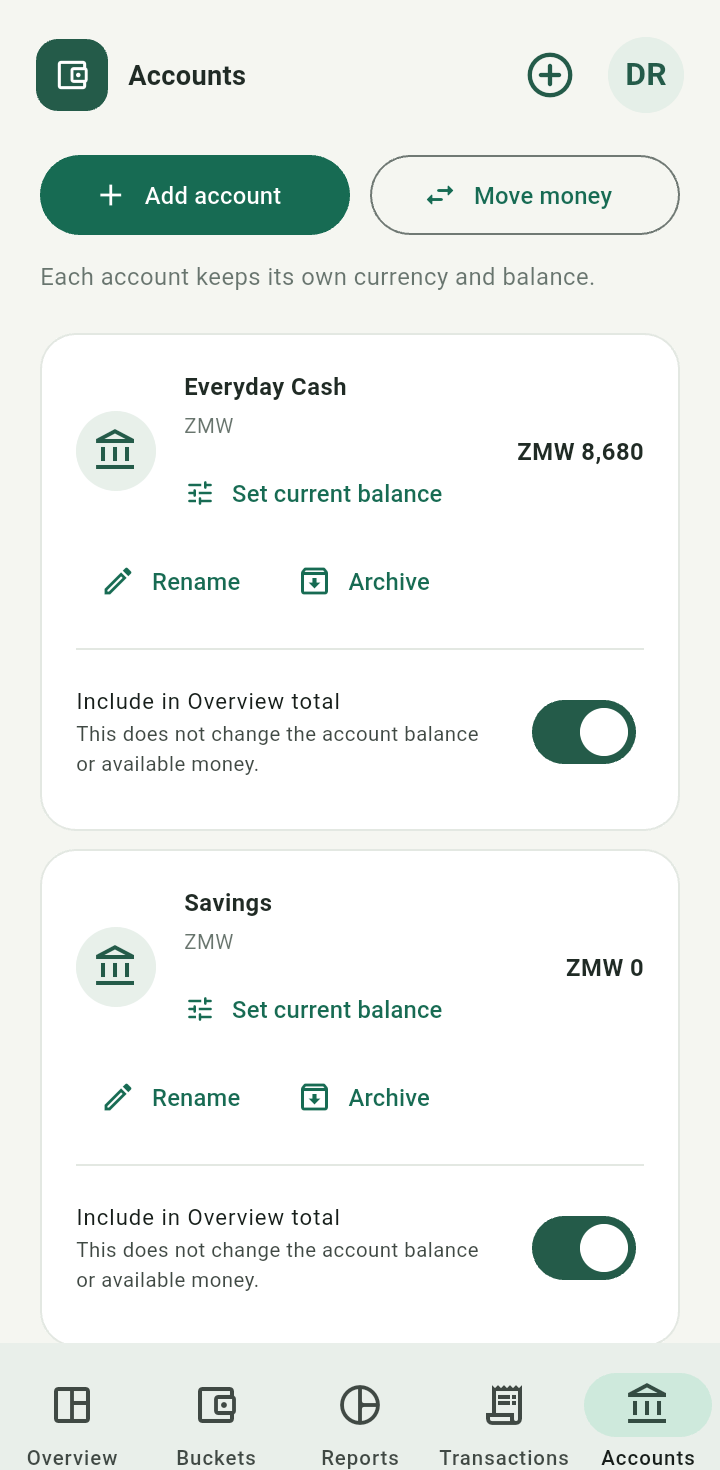
Account balance after saving a dated adjustment
The app appends an adjustment for the difference. Earlier income and expenses stay in history. Accounts can have negative balances; a bucket’s available funding is a separate check.An account balance is where money sits. A bucket balance is its purpose. Do not add the two together as if they were separate money.