

Review your buckets
Open Buckets. Starter buckets are Necessity, Emergency, Investment, and Fun. These are editable conveniences, not a required budgeting system. Bucket balances are listed by currency.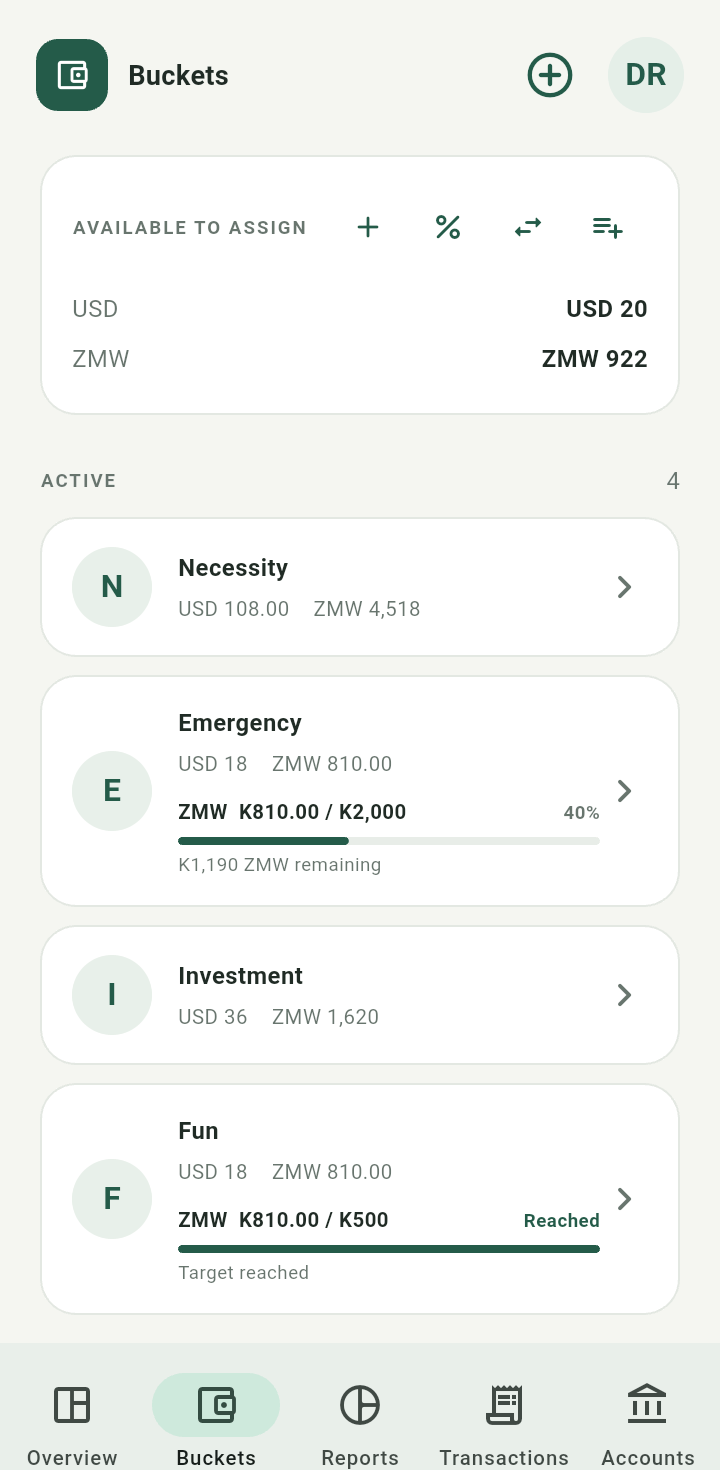
Buckets screen with active bucket balances and optional goals
Create or rename a bucket
Tap the plus icon labelled New bucket, enter a name, and tap Create. To rename an existing bucket, open its details and choose Rename bucket.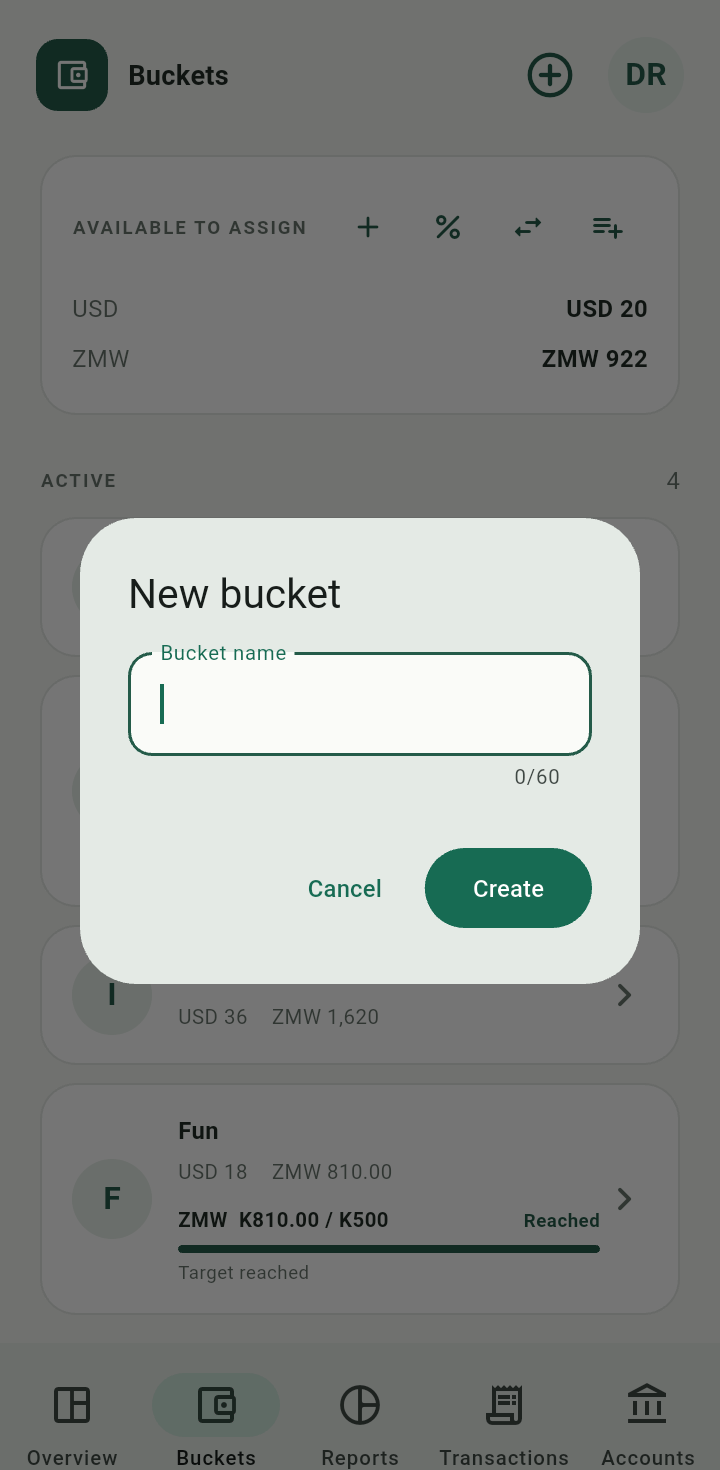
New bucket dialog
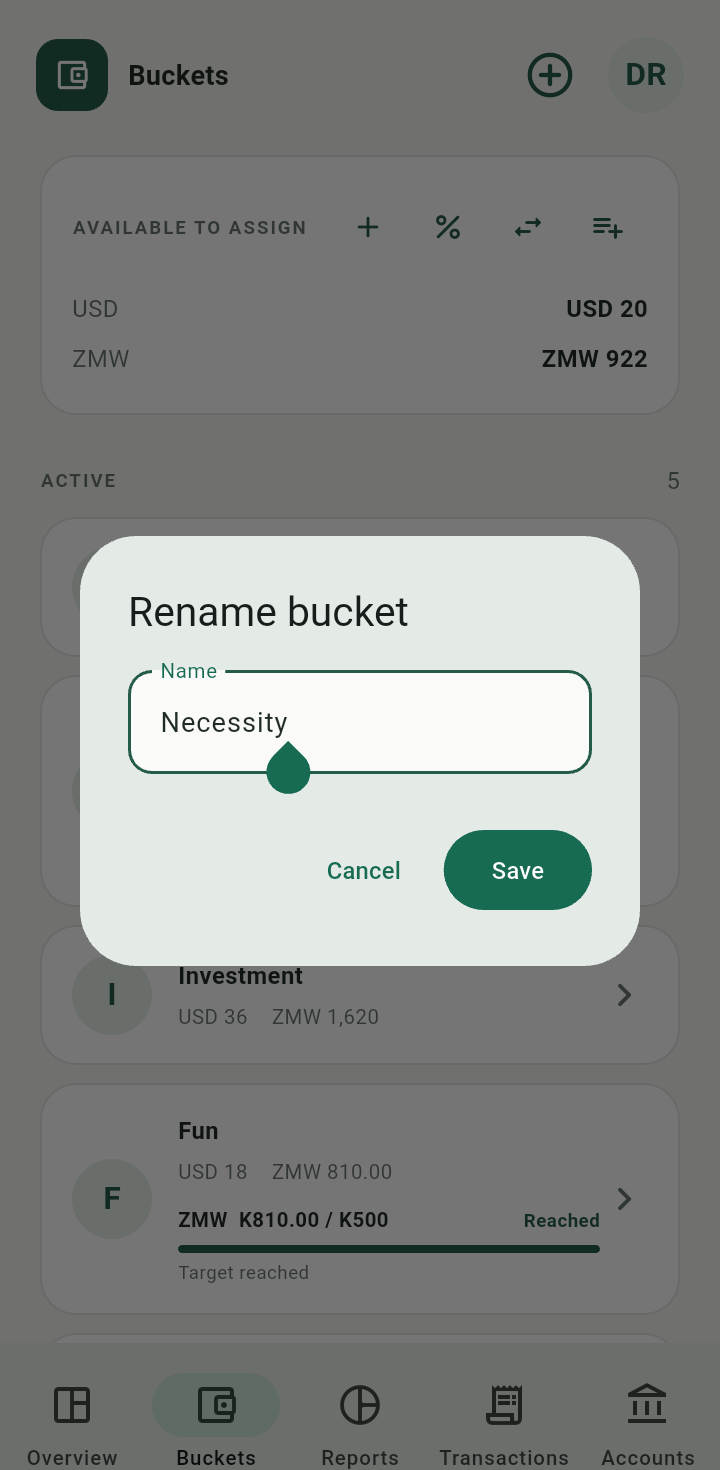
Rename bucket dialog
Archive or restore a bucket
Open the bucket details and tap Archive. If it holds money, review Where should … funds go? for each currency: keep funds there or choose a destination. Tap Continue. Archived buckets retain their history. Open an archived bucket to find Restore bucket.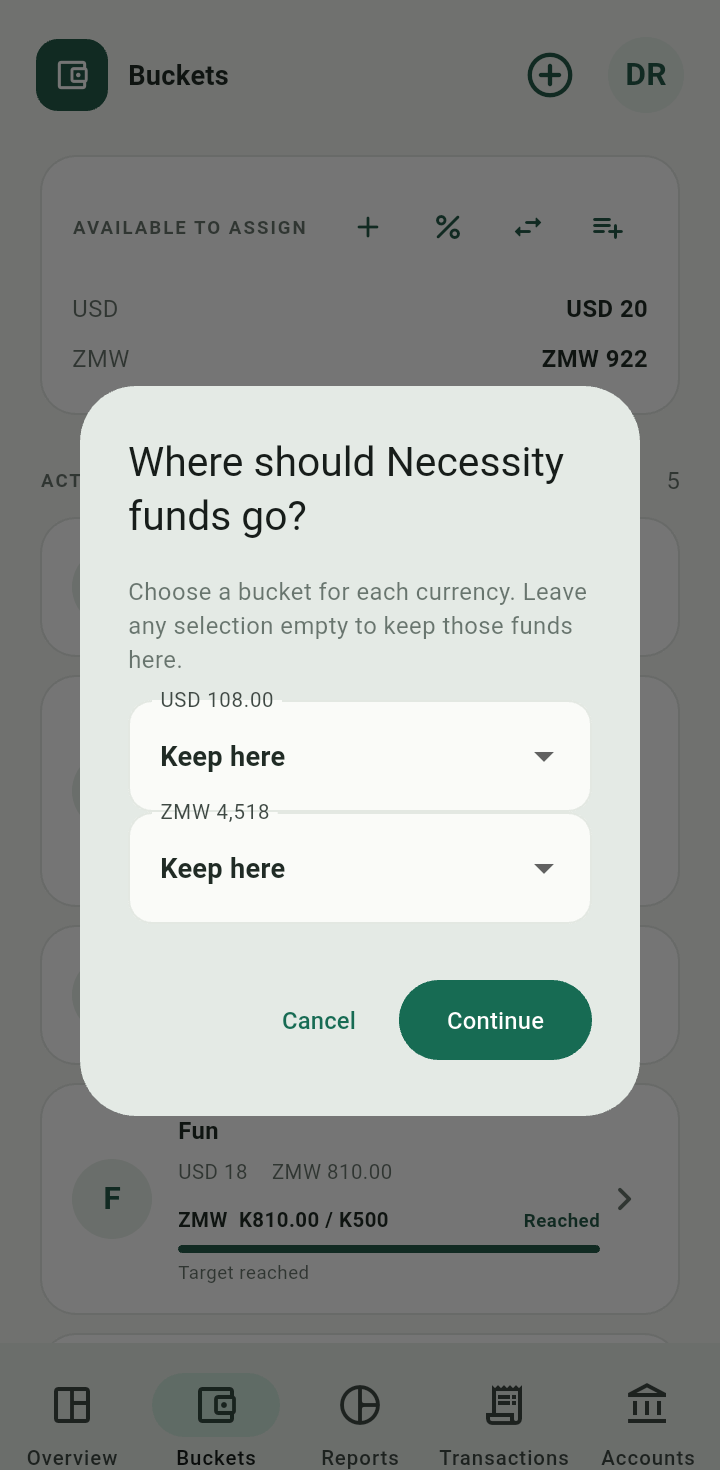
Bucket archive flow showing what happens to existing funds
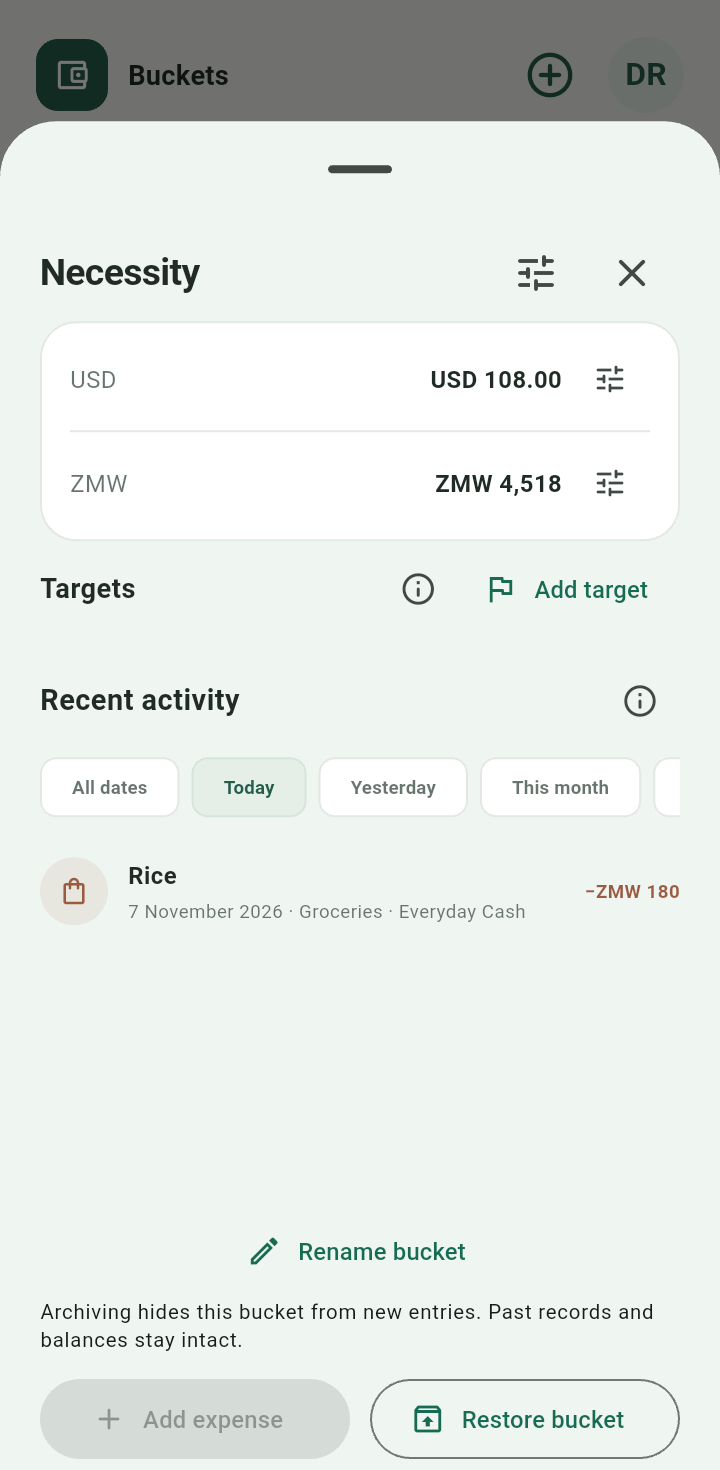
Archived buckets and restore action
Open activity and reconcile a balance
Tap a bucket to open its details, targets, and Recent activity. Date chips filter this activity. Tap the balance adjustment icon beside a currency, enter Amount counted now, and Save adjustment. The top adjustment icon lets you choose another currency.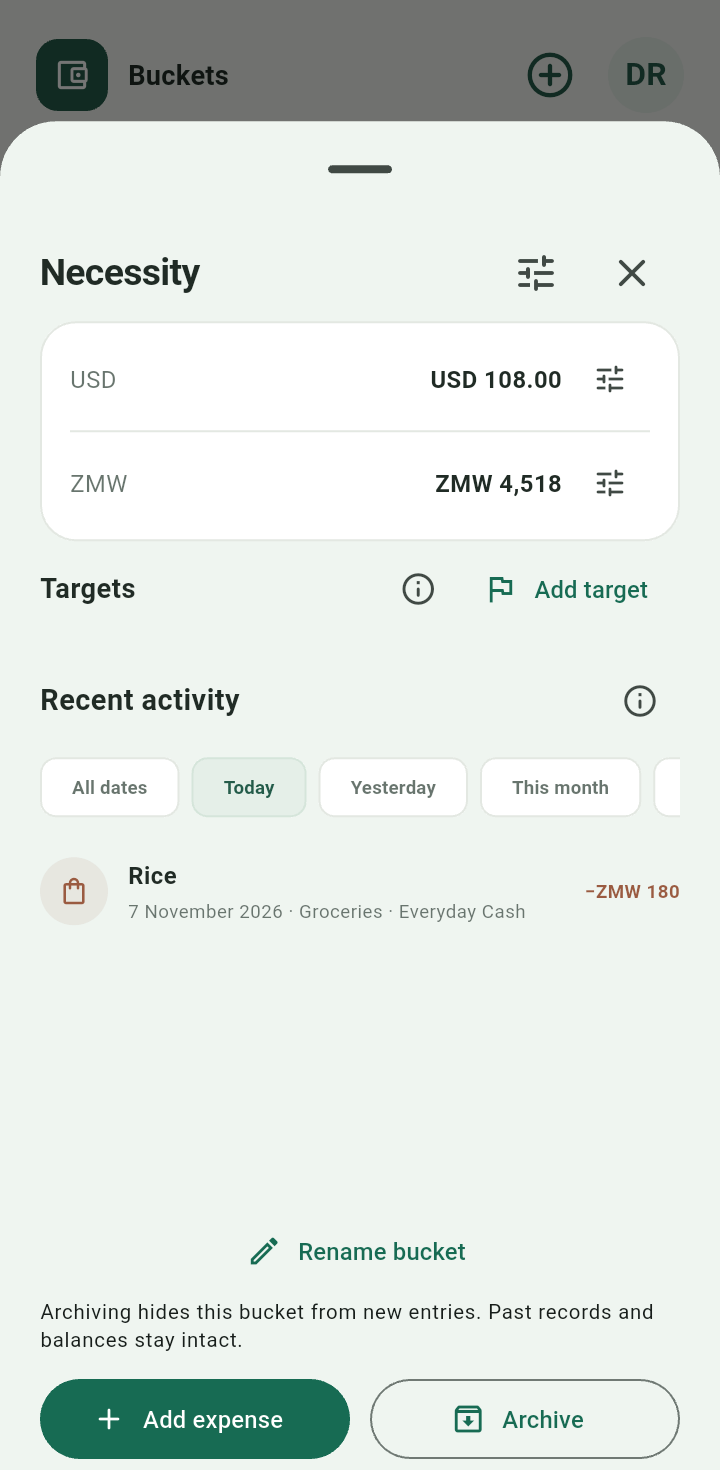
Bucket details with native-currency balances and recent activity
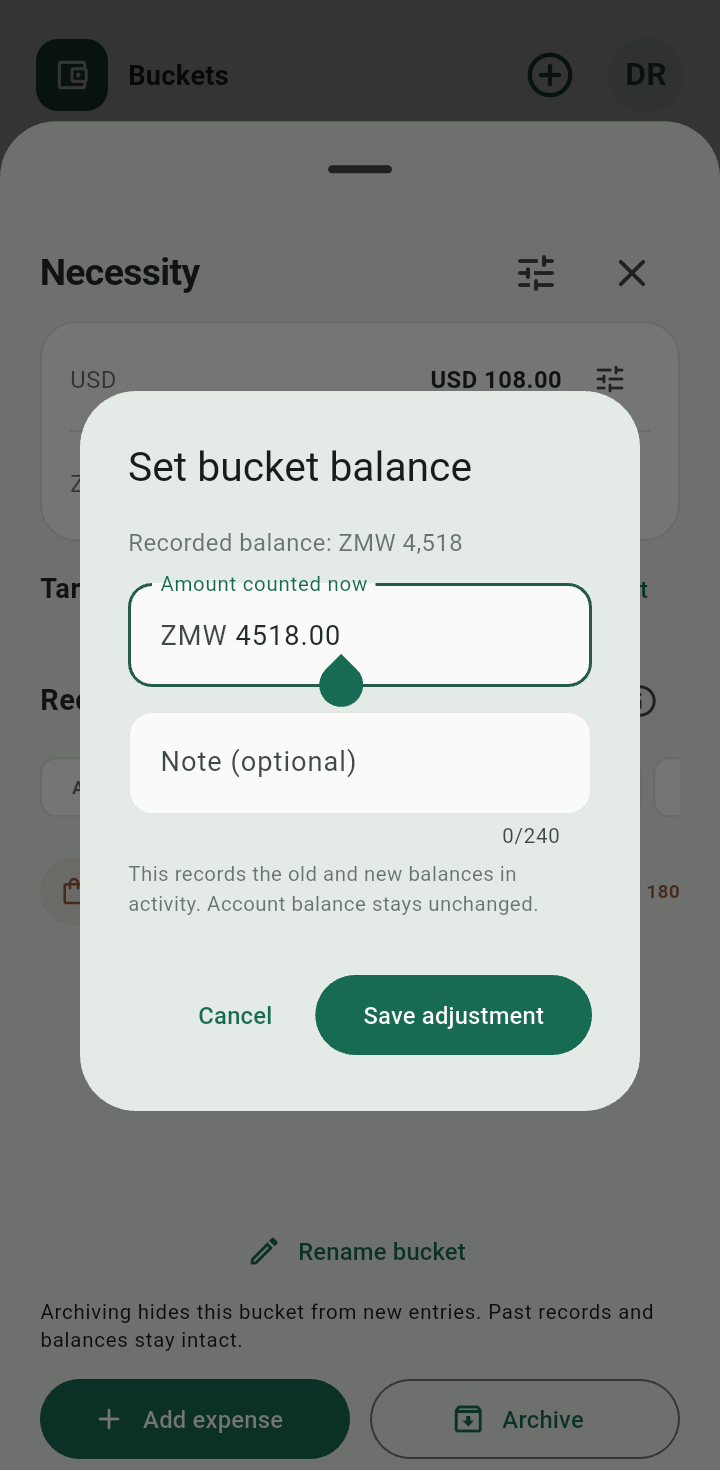
Set bucket balance dialog
Bucket adjustments record a difference; they do not rewrite earlier entries or move money between bank accounts.